Links, people and places
Three tools answering different questions: which other document is this one related to?, how many spellings have I used for the same person?, what shape does the network of references take?
Linking two records
From the record form, in the links block: choose the target record and the kind of reference (copy of, original of, attached to, cited in…).
The link is written on one record only: the other shows it automatically as an incoming reference. You do not have to record it twice, and the two halves can never diverge.
Where links are shown
| Where | What it shows |
|---|---|
| Badge on the record in the list | How many references it has, in both directions; clickable |
| Right-click menu, View, "Linked" | The links panel |
| "Linked records" panel | Refers to and is referred to by, kept apart, one click to open |
| Advanced filters | Only linked records (or only isolated ones) |
The two directions are kept distinct on purpose: "refers to" and "is referred to by" are different statements, and merging them would confuse the original with its copy.
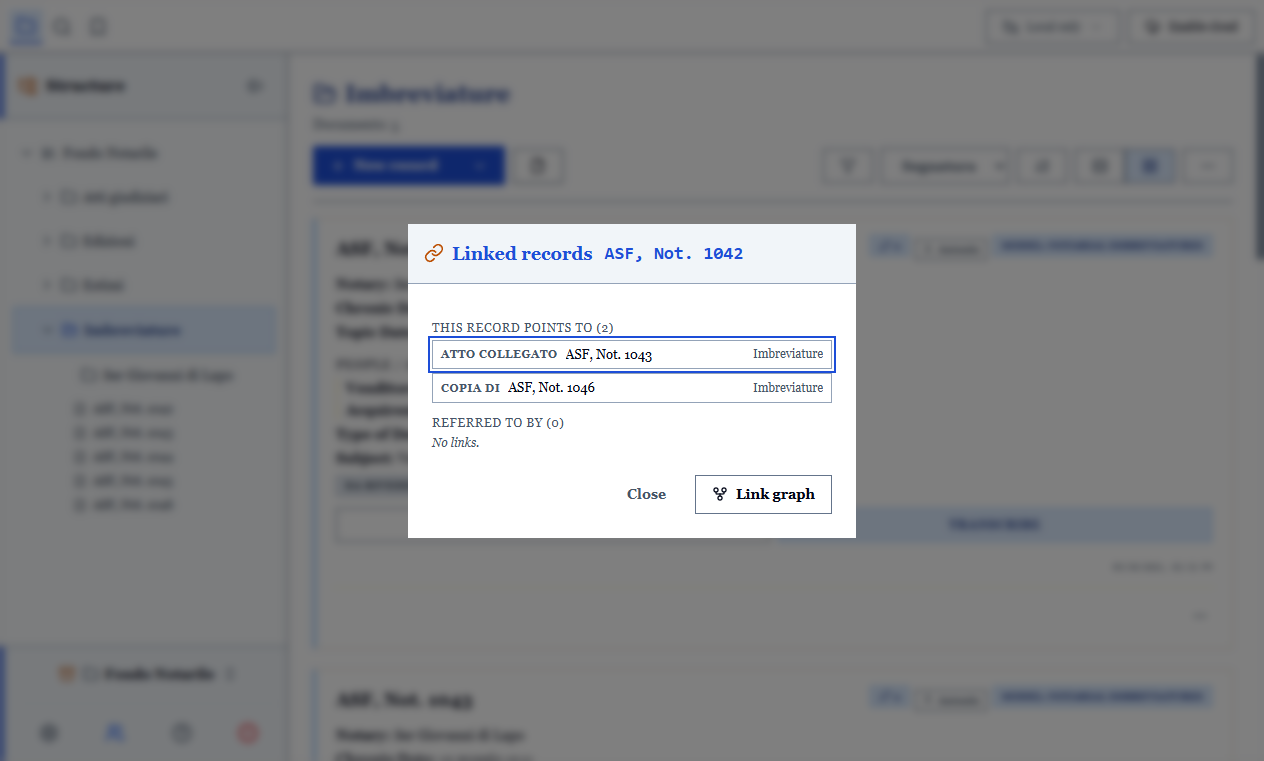
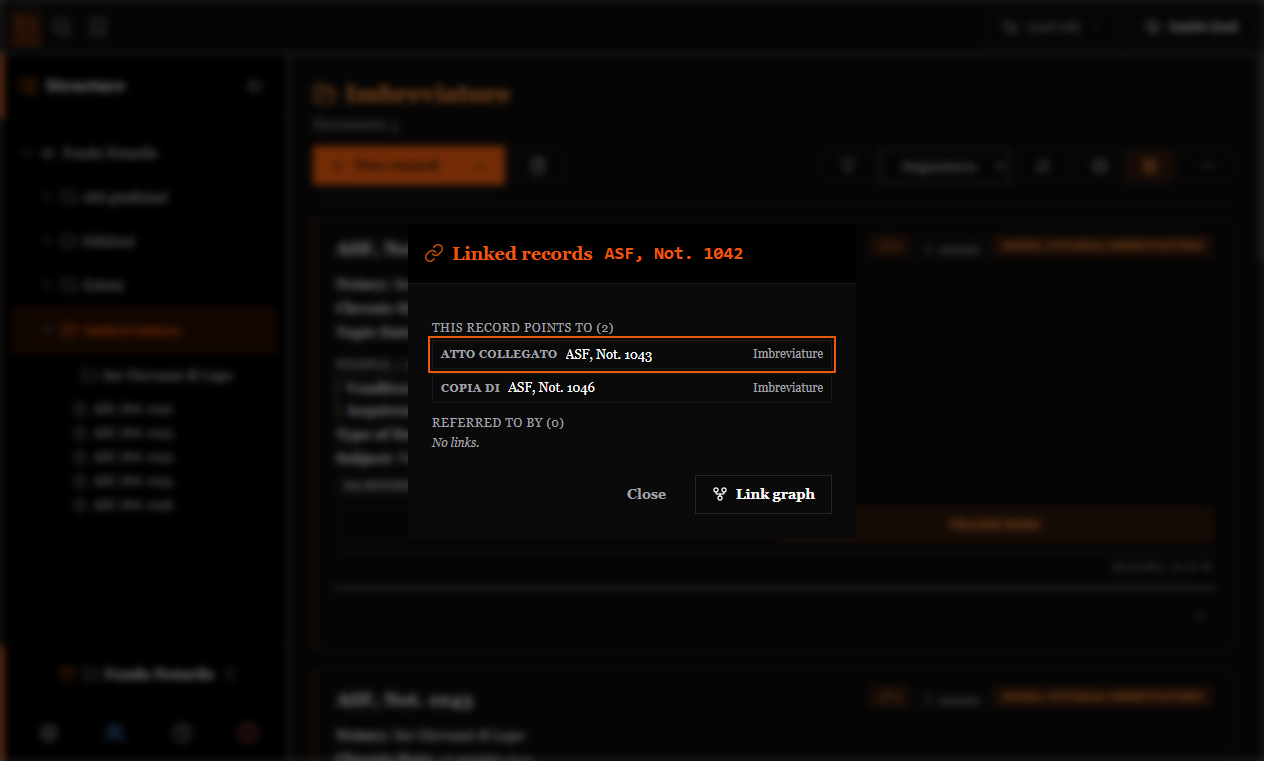
Incoming references can be seen but not edited from the record that receives them: they are removed from the record that wrote them.
Authority list of people and places
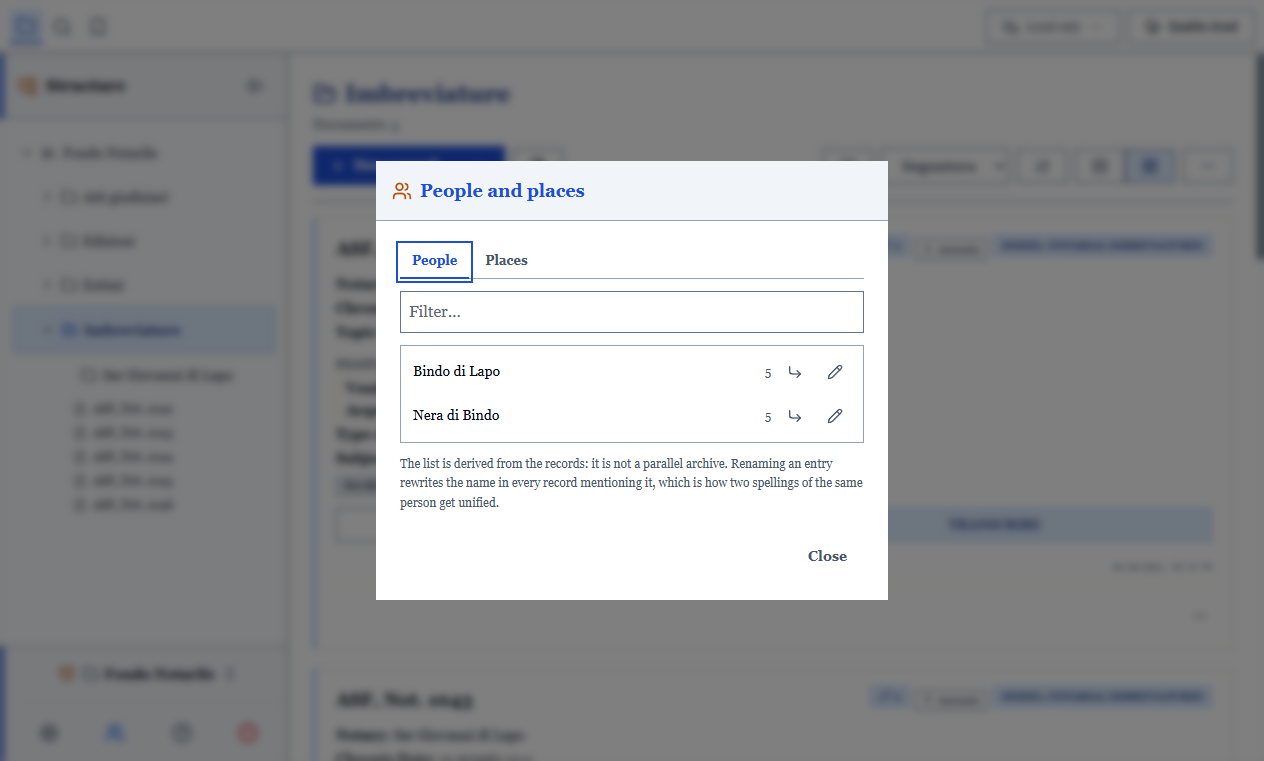
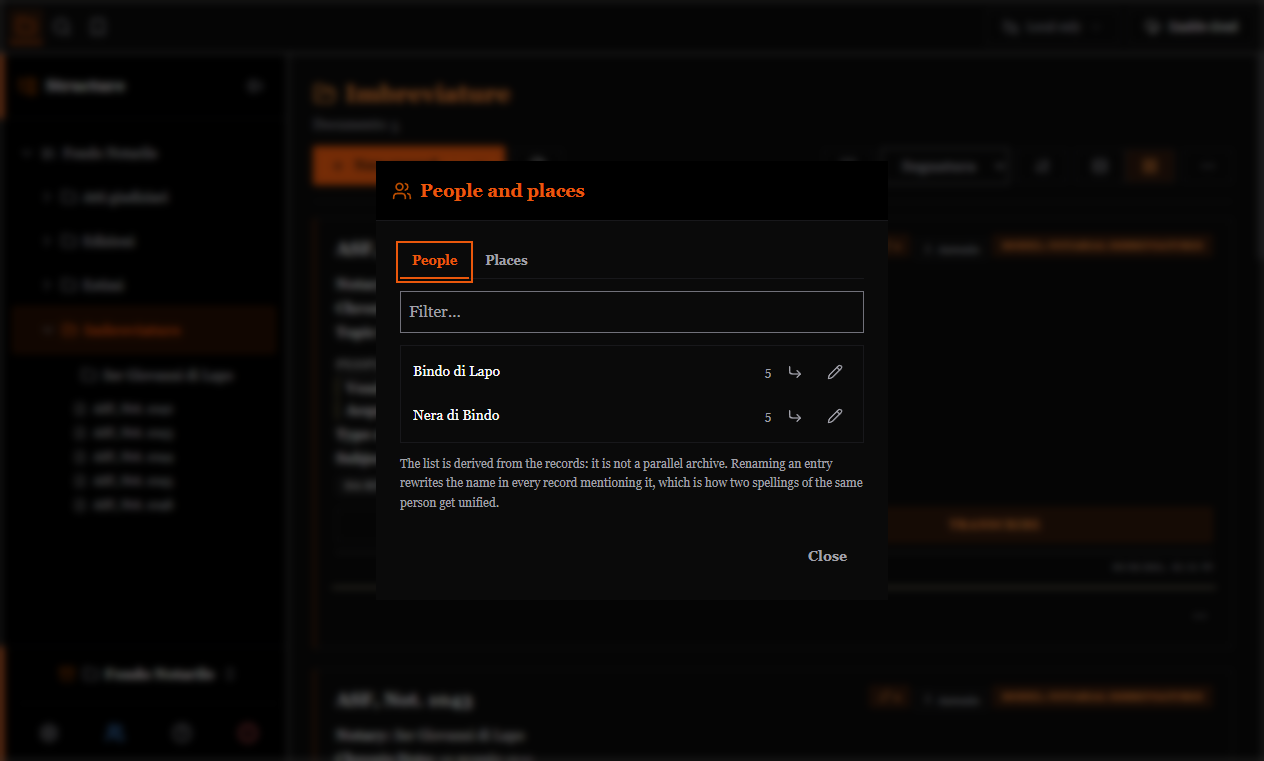
The program builds by itself the list of people (from the parties and family fields) and places (from the topical date field) found in the archive, with the number of records for each.
It exists for one operation above all: renaming an entry rewrites the name in every record. Unifying "Rossi Giovanni", "Giovanni Rossi" and "Io. de Rubeis" becomes a one-minute task instead of forty records opened by hand.
From each entry you can reach the records that cite it, and you can keep the chosen spelling and a note.
TIP
The authority list is not the source of the data: it is recalculated from the records every time it opens. If a person disappears from the list, it is because they no longer appear in any record.
The graph view
The links panel tells you what this record is linked to. The graph answers a question the panel cannot ask: what shape the network takes.
It shows which documents form a cluster, which remain isolated, which record acts as a hub. On a notarial fonds it is often the quickest way to notice that three apparently unrelated folios belong to the same transaction.
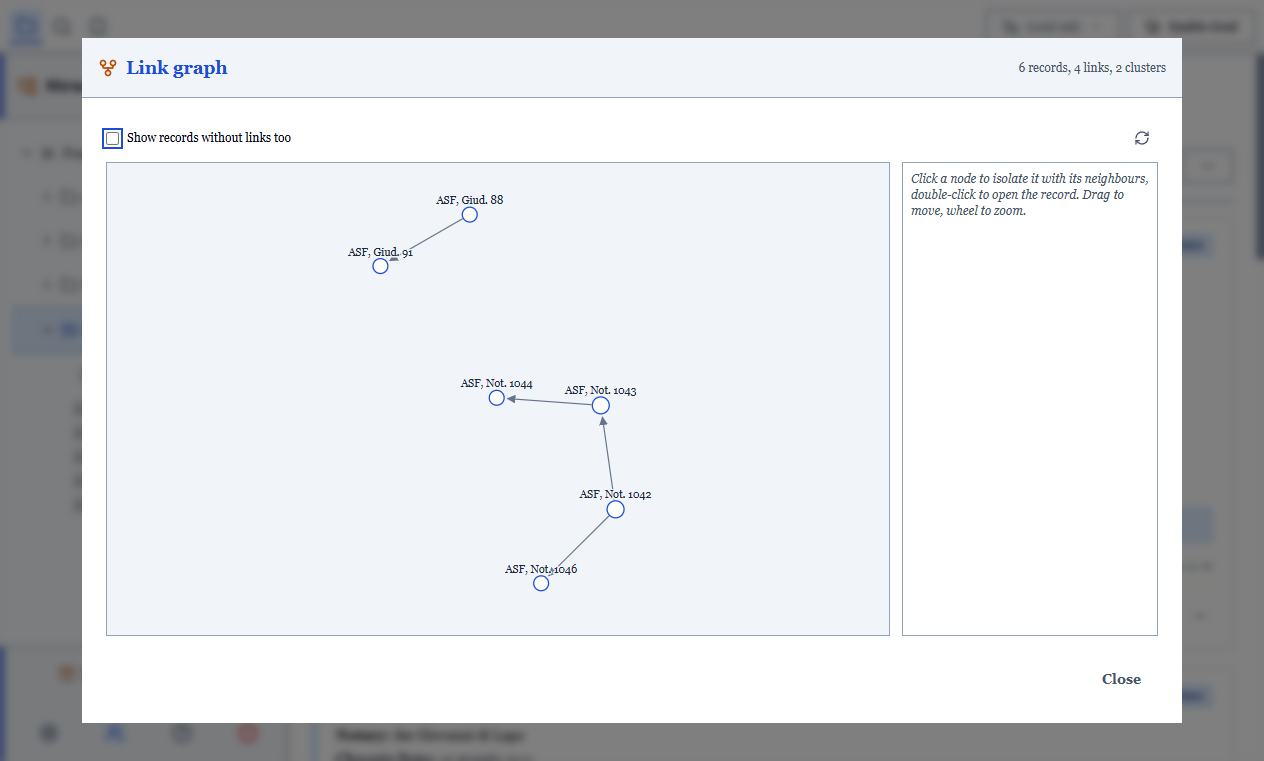
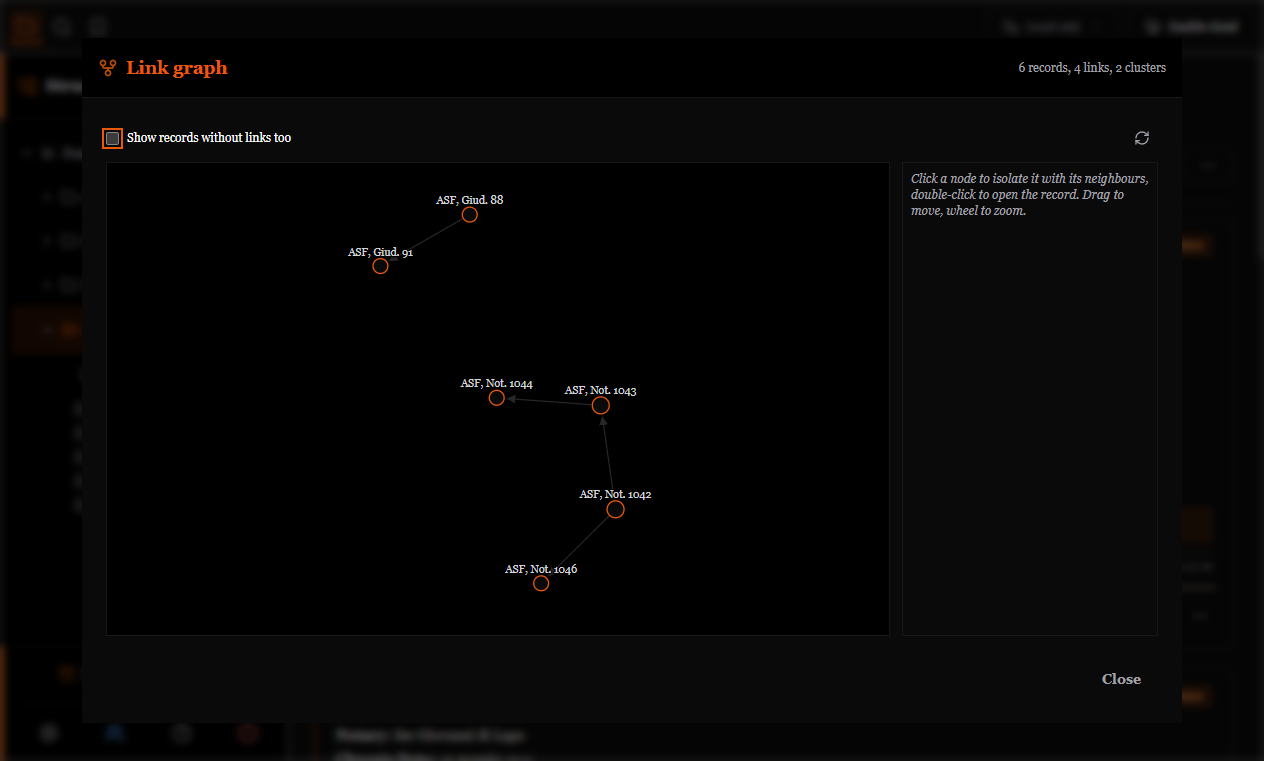
Commands:
- single click on a node: selects it and dims the unrelated ones (without hiding them: the surrounding context must stay readable);
- double click: opens the record;
- dragging, zooming and panning with the mouse.
Two deliberate behaviours: isolated records are hidden by default (on three hundred records with ten references they would be two hundred and ninety motionless dots; a checkbox shows them), and on very large networks the most linked records are drawn, with a notice saying how many were left out.