Record-specific fields
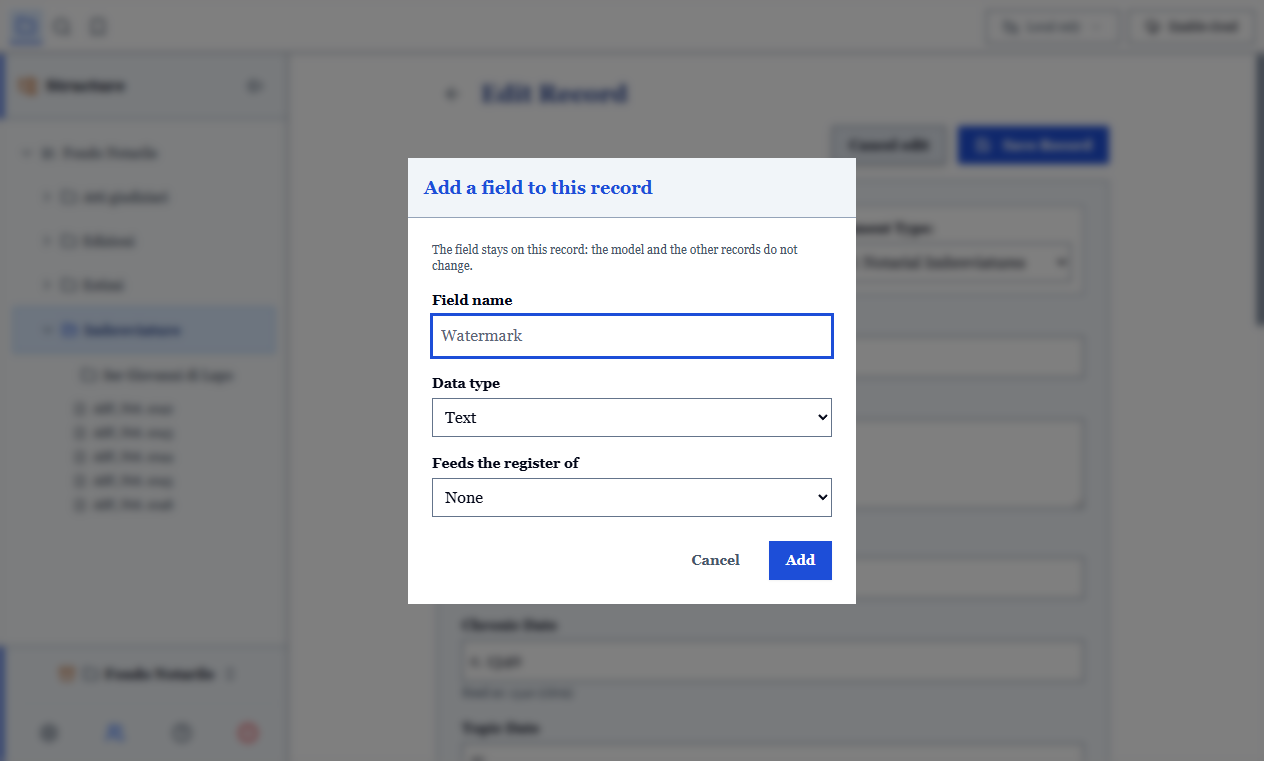
The document model is a base, not a cage. When a manuscript carries information its model does not provide for (an ownership note, a watermark, an unusual colophon), you can add a field to that record only.
Why not add it to the model
Because after fifty manuscripts the model would become the sum of every unique case ever encountered, with fifty columns empty 98% of the time. A record-specific field solves exactly this: it lives on the record that needs it and does not weigh down the others.
Adding a field
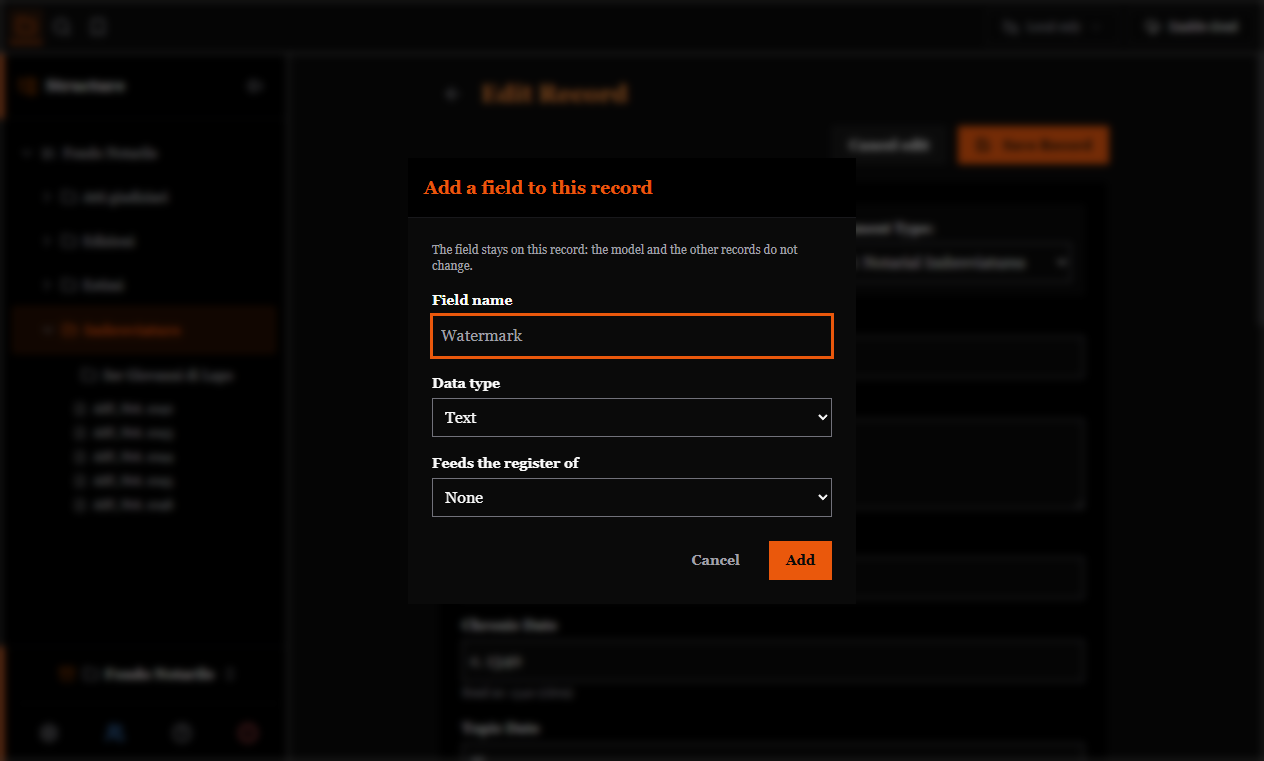
From the record form: add the field, giving it a name and a type (text, long text, number, yes/no, list, web address, date).
The name also becomes the column header in exports, so write it readably: "Number of folios", not "numberfolios".
WARNING
Removing a record-specific field also deletes the value it contained. There is no way to keep a datum without the field that describes it.
Promoting a field to the model
If you realise that a field you added to one record is something you always need, you can promote it to the document model: from then on it appears in every record of that type.
Records that already had it as a record-specific field are not duplicated: when a model declares a field with the same name, the model wins and the field appears only once.
This is the natural course of archival work: you meet a case, then a second one, then you realise it is a rule.
Reordering fields
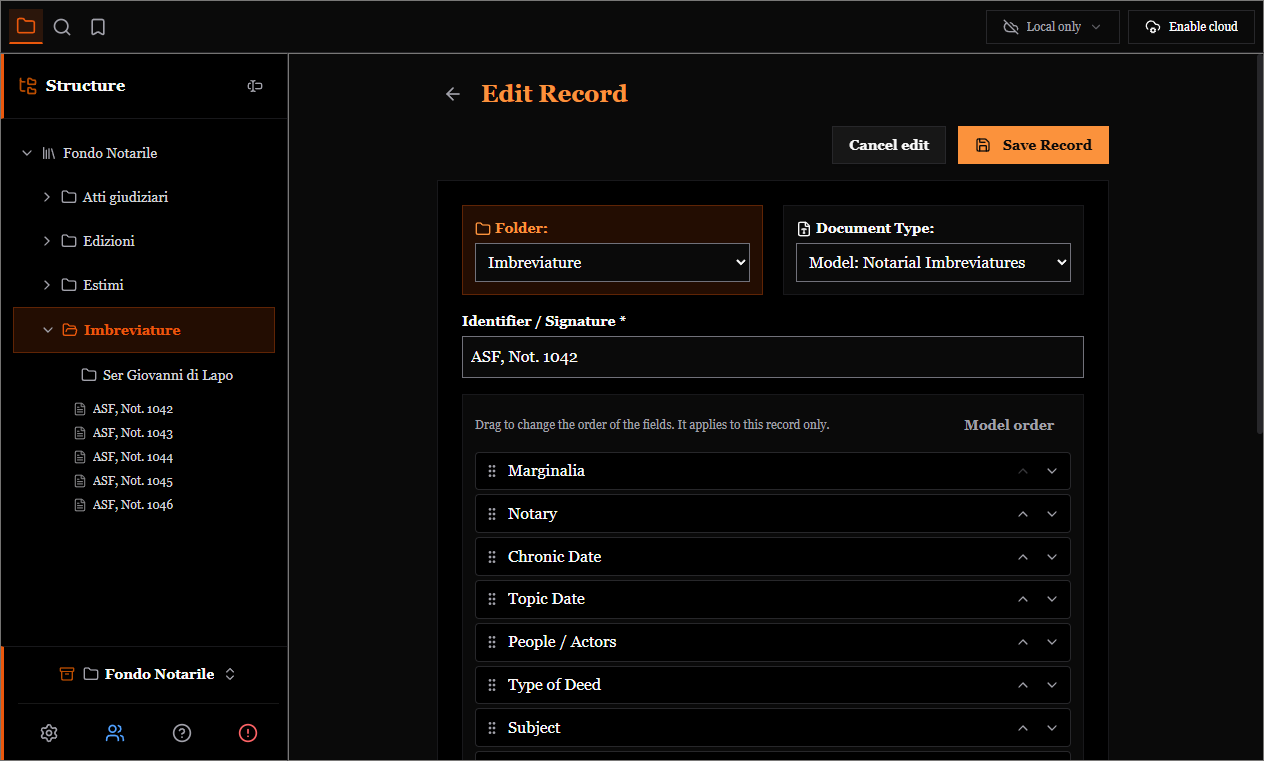
The Reorder fields button turns the form into a list of draggable names: move the fields into the order you need on that record, by dragging or with the ↑ ↓ arrows (usable from the keyboard too).
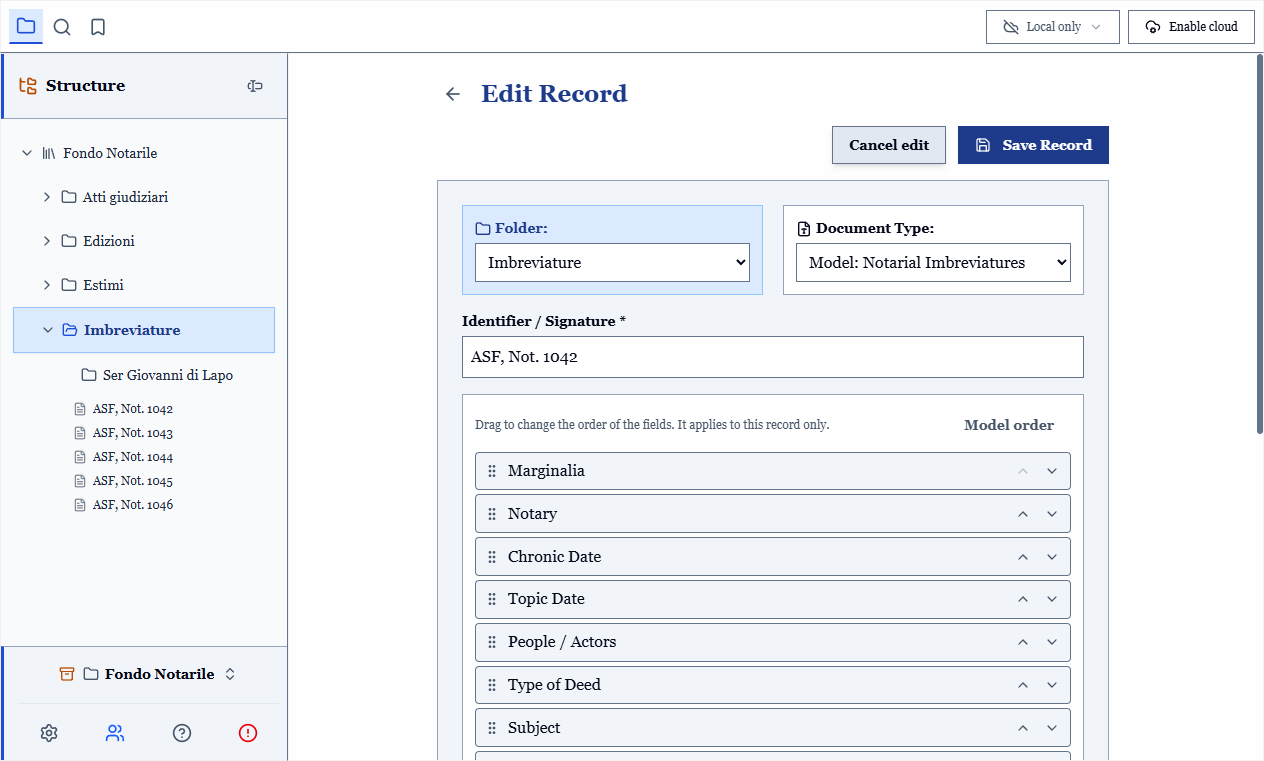
The chosen order applies wherever you look at one record at a time:
| Applies | Does not apply |
|---|---|
| The cataloguing form | Table view |
| Card view | CSV export |
| Printing "one record per page" |
Table and CSV have columns shared by every record: the order of a single record cannot reorder a shared column. This is a stated limit of the "order per record" choice, not a defect.
A field added to the model after you reordered does not disappear: it is appended at the end.
In a shared archive
Two people adding different fields to the same record do not conflict: the fields add up. The same field defined in two different ways, on the other hand, is a real conflict, and the program lets you decide.
A colleague running an older version of the program keeps the values of record-specific fields and sees them in exports and prints; they simply do not see them in the form. Nothing is lost.