First run
The working folder
On first launch ArchiView asks you to choose a working folder (also called a workspace): this is the place on your disk where all your material will end up.
Choose an empty folder in a location you will not delete by accident, for example Documents\ArchiView. Avoid temporary folders and the desktop of a shared computer.
Inside it, the program creates by itself:
database_manoscritti.json: the file holding all records and transcriptions;allegati_manoscritti: the folder holding the images and PDFs you attach.
TIP
If you already use an automatic backup service (Windows File History, an external drive), make sure it covers this folder too. It is the only thing you need to save.
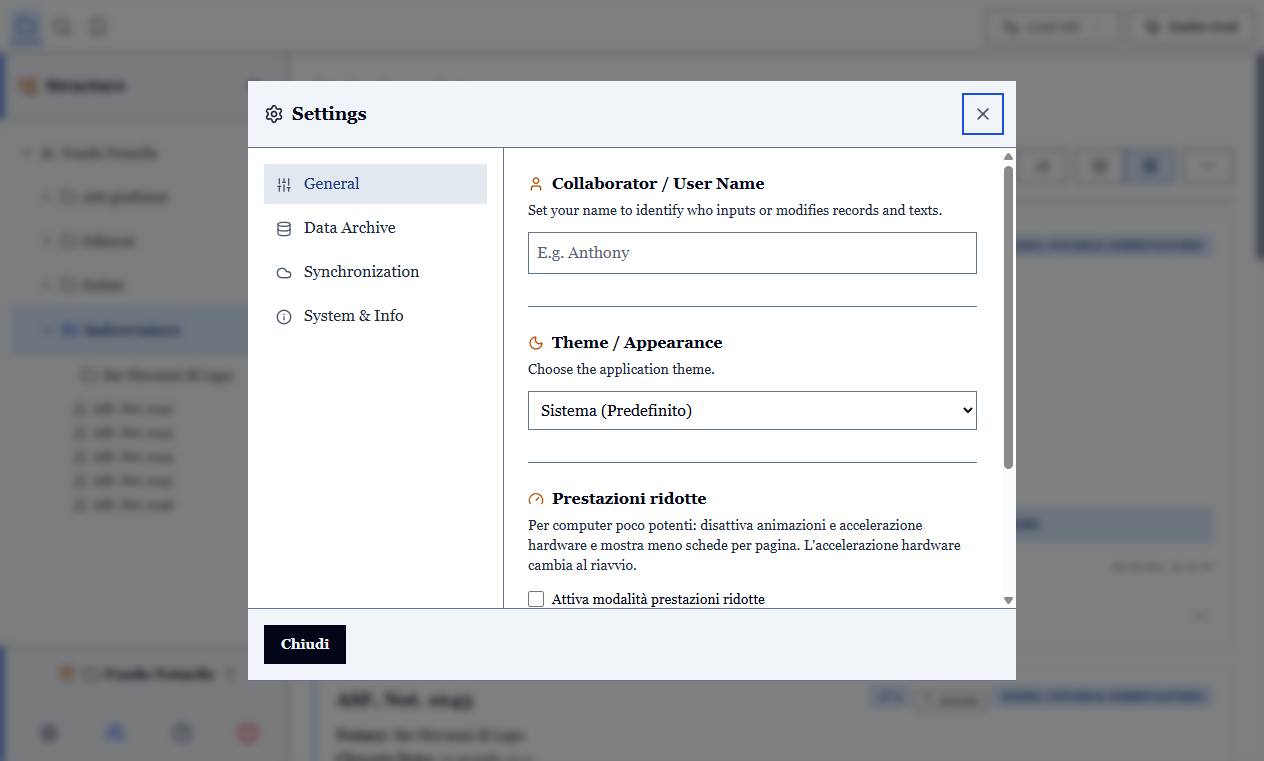
You can change the working folder at any time from Settings.
The built-in tutorial
The first time you open the program a guided tour highlights the main commands one at a time.
You can run it again whenever you like from the ? icon.
First model, first record
Before cataloguing, ArchiView needs to know what kind of document you are describing: a notarial imbreviatura has different fields from a judicial act. That choice is called a document model.
You can start from one of the ready-made models or build your own by choosing the fields you need. See Document models, then move on to Creating and filling in a record.