Printing and saving as PDF
Ctrl+P opens the print window. The same feature is in the "⋯" menu above the list, in the right-click menu of a record or folder (Export, Print) and in the command palette.
The three layouts
| Layout | What it produces | When to use it |
|---|---|---|
| Record | One record per page: fields, attachment thumbnails, transcription | Delivering or filing the complete cataloguing |
| Calendar | List of shelfmark / date / summary | A printed inventory, a thesis appendix |
| Table | The visible columns of table view | Checking a fonds, taking a reference list to the archive |
The table layout respects the columns you chose to show: configure them first in table view ("⋯" menu, "Visible columns").
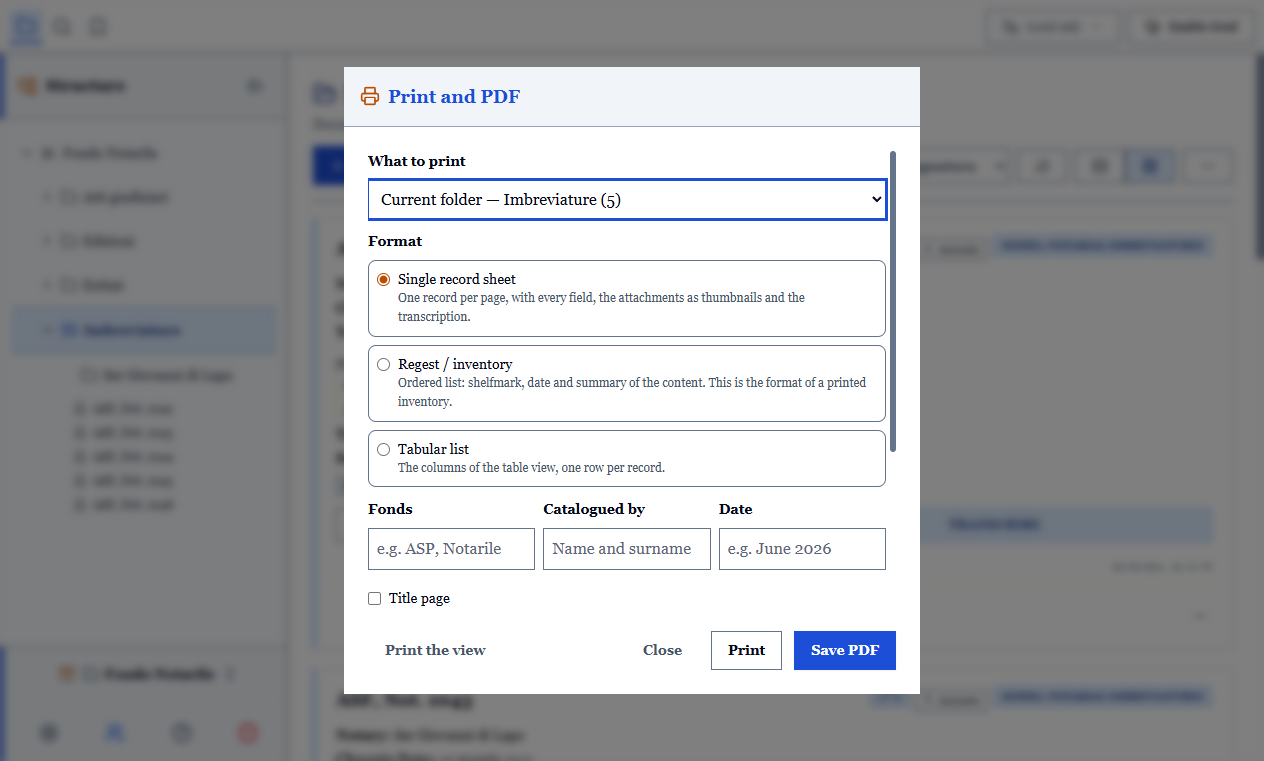
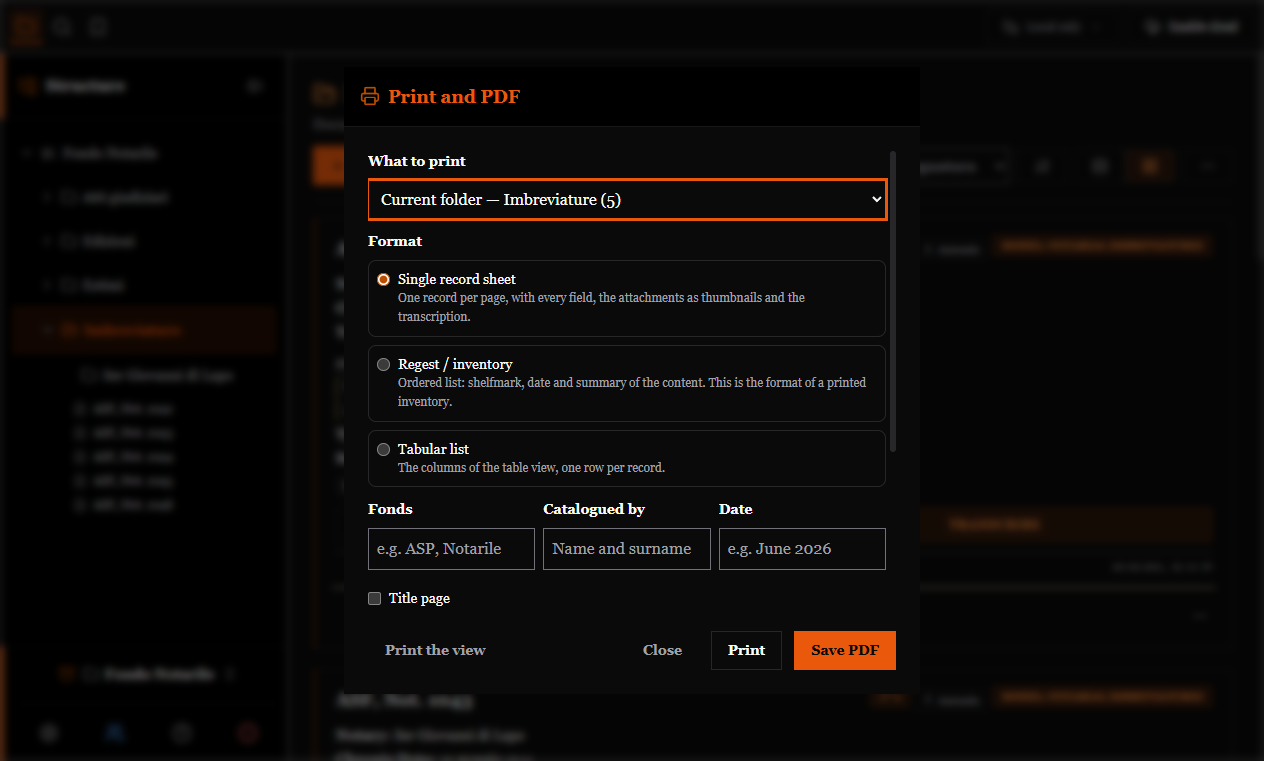
What to print
The scope is chosen in the window: the open record, the current selection, the folder, the whole filtered archive.
Headers
Fonds, author and date appear at the top of the document and are set only once: they also apply to bibliographic citations, because they are the same data.
They are saved per archive, not in the database: they are not synchronised, so a colleague's print will not carry your name.
Saving as PDF
In the same window: choose PDF instead of the printer. Margins and orientation apply to both, so preview and file match.
Printing what is on screen
There is also a second option: print the current view. It puts the screen on paper as it is, filters and sorting included, removing sidebar, buttons and windows.
It is a working copy of what you are looking at; the three layouts, instead, are documents meant to be read by someone else.
Useful details
- Attachment thumbnails appear only in the "record" layout: an inventory of three hundred records should not load three hundred images. An attachment without a thumbnail is still listed: a record declaring three folios and showing two would give false information about its content.
- Uncertain words in an OCR draft stay marked on paper too: in print that difference matters.
- The transcription being edited is saved before the document is composed: you print what you have written, not what you had written a minute earlier.